From Text to Dance: How to Generate Fluid Choreography Without a Camera (2026)
Generate AI dance videos that actually move like real dancers. The 6 prompt techniques that turn one text line into smooth, cinematic choreography — no camera, no studio, no rhythm needed.
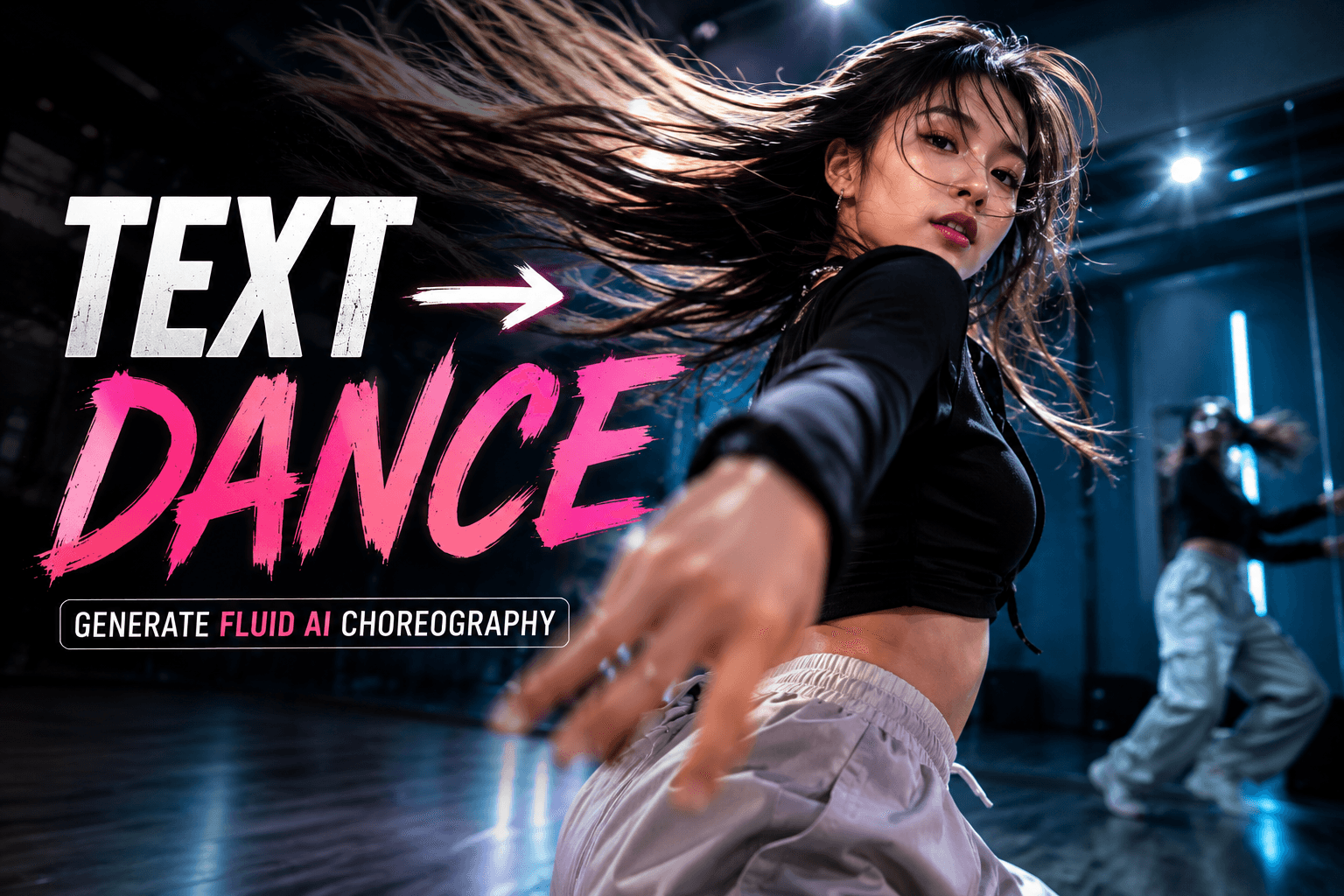
You wrote a prompt. You hit generate. The video came back with a person moving like a power-cut robot.
Stiff arms. Stuttering legs. A dancer who clearly never made it past the audition.
This is what most AI dance prompts produce in 2026.
The fix is not the model. The fix is the prompt.
Generate cinematic AI dance videos on Gendia
Why most AI dance prompts produce stiff motion
Every modern AI video model — Seedance 2.0, Veo 3, Kling 2.5 — was trained on real footage including dance. The motion data is there. The rhythm is there. The fluidity is there.
The problem is that most AI dance prompts give the model the wrong instructions for accessing it.
Generic prompts produce generic motion. "A girl dancing" gives the model nothing to work with — no genre, no tempo, no emotion, no body language. The model defaults to safe, slow, ambiguous movement that does not commit to any single dance reality.
The fix is the same as for any realistic AI video movement: give the model fewer choices and more specifics. (We covered the foundational rules in The Perfect Prompt: 5 Tricks for Realistic AI Video Movement — read that first if you haven't.)
Here are the six dance-specific techniques on top of those.
Trick 1: Name the dance genre, not just "dance"
The single biggest mistake in AI dance prompts is writing "dance" without saying which kind.
Hip-hop is not contemporary. K-pop is not ballet. Salsa is not house. Each genre has different body posture, weight distribution, energy direction, and rhythm pattern. The model needs to know which one.
Weak:
A young woman dances in a Seoul street.
Strong:
A young woman performs sharp K-pop choreography in a Seoul street, isolated arm pops, controlled hip work, precise footwork, polished idol-stage energy.
The second prompt locks four things at once: the genre, the body parts in motion, the level of control, and the cultural energy. The model now has somewhere to put the choreography.
Genre vocabulary that works:
- K-pop choreography — sharp isolations, group-formation precision, expressive face
- Hip-hop / breaking — grounded weight, low center, freezes, attitude
- Contemporary — flowing transitions, floor work, emotional gestures
- Jazz / commercial — tight technique, sharp lines, performance face
- Salsa / Latin — hip-led motion, partner-style framing, fluid rotation
- House / footwork — fast quick steps, circular motion, lower body focus
- Ballet — extension, turnout, controlled grace
- Voguing — angular arm work, posing, runway energy
Pick one. Commit.
Trick 2: Specify tempo and rhythm
Dance lives in time. AI models render motion frame-by-frame, but they need to know the pace of the motion.
Tell the model the BPM (beats per minute) or describe the speed in plain language.
Weak:
She does a hip-hop routine.
Strong:
She performs a 90 BPM hip-hop routine at a relaxed mid-tempo, smooth transitions between moves, body grooves on every beat, no sudden jerks.
The second prompt names a specific tempo (90 BPM = chill hip-hop), describes how she moves between beats, and bans the failure mode (sudden jerks).
Tempo vocabulary that works:
- 60-80 BPM — slow, sensual, R&B vibe
- 90-100 BPM — relaxed mid-tempo, classic hip-hop
- 110-130 BPM — pop, K-pop, energetic
- 130-150 BPM — house, dance music, high energy
- 150+ BPM — drum and bass, intense, hard-hitting
Or skip BPM entirely and describe the feel: "slow and weighted," "fast and snappy," "quick footwork at moderate body pace."
Whichever you pick, the model needs to know.
Trick 3: Describe the body parts that lead the motion
Real dance is led by specific body parts. The chest leads in waacking. The hips lead in salsa. The shoulders lead in shoulder shimmies. The feet lead in footwork. The whole body leads almost never.
Naming the leading body part is the difference between fluid choreography and full-body twitching.
Weak:
A woman dances confidently to fast music.
Strong:
A woman dances confidently to fast music, leading every move from her chest, hips swaying half a beat after, arms following the chest direction, head punctuating the strongest beats.
The second prompt creates a body chain: chest → hips → arms → head, in that order, with timing offsets. The model now has a coherent motion logic.
Body-lead vocabulary:
- Chest leads — vogue, waacking, jazz
- Hips lead — salsa, dancehall, twerk
- Shoulders lead — bachata, shoulder shimmy, bhangra
- Feet lead — house, footwork, tap
- Head leads — head bopping, headbanging, krump
If your dance has multiple lead parts, name the order: "chest leads, hips follow on the offbeat, head accents the down beat."
Try Seedance 2.0 dance prompts on Gendia
Trick 4: Anchor the dancer to the floor
Floating feet. Sliding hands. A dancer who appears to skate instead of step.
These artifacts come from prompts that describe dance movement without describing how the body interacts with the ground.
Dancers PUSH OFF the floor. They GRIP it with their toes. They REBOUND from it. They DRAG across it. The relationship between dancer and floor is half of what makes dance look real.
Weak:
She does a quick footwork combo.
Strong:
She performs a quick footwork combo, balls of her feet planting firmly on each step, toes gripping the studio floor, weight transferring smoothly from one foot to the other, slight bounce in her knees absorbing the impact, sneakers occasionally squeaking on the wood.
The second prompt creates four contact points between dancer and floor: planting, gripping, transferring, bouncing. The model now has to render ground interaction, not levitation.
Floor-contact vocabulary:
- Planting / striking / pressing (steps, stomps)
- Gripping / digging / hooking (toes, balls of feet)
- Pivoting / rotating / sliding (turns, glides)
- Pushing off / launching / rebounding (jumps, leaps)
- Sneakers squeaking / heels clicking / bare feet padding (sound cues)
The more your dancer touches the floor in your prompt, the more grounded the motion looks.
The same anchoring principle works for any AI video — we go deep on it in The Perfect Prompt: 5 Tricks for Realistic AI Video Movement.
Trick 5: Loop the camera, not the dancer
Most AI dance generations fail because the camera is locked-off and static while a stiff dancer flails in the middle. The result reads as a webcam audition tape, not a music video.
Real dance videos move the camera WITH the dance. Sometimes the camera circles. Sometimes it tracks. Sometimes it whips. The camera is part of the choreography.
Weak:
Locked-off shot of a girl doing K-pop choreography.
Strong:
Slow 180-degree tracking shot circling around a girl performing K-pop choreography, camera moving counterclockwise at the same speed as her body rotation, anamorphic lens flares catching the studio lights, shallow depth of field keeping focus on her face.
The second prompt makes the camera an active participant. Now the dance has cinematography.
Dance camera vocabulary:
- Circling / orbiting — full 360° rotation around the dancer
- Tracking — following alongside as they move
- Crane up / crane down — vertical reveal of the full body
- Whip pan — fast switch between dance positions
- Push in on the face — emotional close-up during a still moment
- Pull back on the drop — reveal the full stage at peak energy
Match the camera move to the dance energy. Slow songs get smooth crane shots. Hard drops get whip pans. Build-ups get slow push-ins.
Trick 6: Include the room, the lighting, the wardrobe
Dance does not happen in a void. A K-pop practice studio looks different from a street battle. A sweaty club looks different from a polished stage. The environment dramatically changes how the dance reads.
Equally — what the dancer wears affects the motion silhouette. Loose pants flow. Tight bodysuits expose. Skirts spin. Sneakers grip. Heels click.
Weak:
A girl dances K-pop.
Strong:
A girl dances K-pop choreography in a polished mirror-walled studio with soft warm overhead lighting, wearing an oversized white crop tee, baggy black cargo pants, white high-top sneakers, hair in a high ponytail that whips with each head turn. Wood floor, mirrors reflecting her motion, late afternoon golden light through tall windows.
The second prompt builds an entire scene. The model now generates not just dance, but a dance video.
Environment vocabulary:
- Mirror studio — practice vibe, multiple angles, professional
- Empty parking garage — gritty, urban, reverberant
- Neon-lit alley — cinematic, music-video energy
- Stage with lights — performance, audience implied
- Sun-drenched park — bright, casual, energetic
- Industrial loft — moody, textured, fashion-forward
Wardrobe specifics that read on camera:
- Loose vs. fitted — silhouette behavior during motion
- Sneakers vs. heels — sound and floor interaction
- Hair up vs. hair down — motion trail (ponytails whip well)
- Layered vs. minimal — visual complexity per frame
Build the scene around the dance, and the dance has somewhere to live.
Putting it all together: the master dance prompt
Here is a prompt that uses all six tricks. Run this on Seedance 2.0 in Gendia.
Slow 180-degree counterclockwise tracking shot circling a young Korean woman performing sharp K-pop choreography in a mirror-walled practice studio, 110 BPM, leading every move from her chest with hips following half a beat after and arms snapping into position on the strongest beats. Balls of her feet plant firmly on each step, toes gripping the wood floor, sneakers occasionally squeaking. She wears an oversized white crop tee, baggy black cargo pants, white high-top sneakers, hair in a high ponytail that whips with each head turn. Soft warm overhead studio lighting, anamorphic lens flares, mirrors reflecting her motion, shallow depth of field on her face during stills. Avoid robotic motion, avoid floating feet, avoid frozen face — show natural micro-expressions of focus and joy.
Trick 1: genre named (sharp K-pop choreography). Trick 2: tempo specified (110 BPM). Trick 3: body parts that lead (chest, hips, arms in order). Trick 4: floor anchoring (plant, grip, squeak). Trick 5: camera move (180° counterclockwise tracking shot). Trick 6: room + lighting + wardrobe (mirror studio + warm lighting + outfit).
Six tricks. One prompt. Real choreography.
Which AI video model dances best
The six tricks work on every modern AI video generator — but each model has a dance personality.
- Seedance 2.0 dances best for sharp, rhythmic choreography. K-pop, hip-hop, anything with strong beat alignment. Strongest pick if your dance has clear isolations or sharp counts.
- Veo 3 dances best for natural, expressive choreography. Contemporary, jazz, anything with emotional flow. Best for character-driven dance scenes.
- Kling 2.5 dances best for camera-led dance — when the camera move is as important as the body move. Music videos, cinematic dance films, performance shots.
You can run all three on Gendia. Test the same dance prompt across models and pick the strongest result.
That is the workflow Gendia is built for: one prompt, every frontier model, no switching tabs.
Frequently asked questions
How do I make AI dance look fluid instead of robotic?
Apply the six tricks in this guide. The biggest single fix is naming the dance genre and the body part that leads each move. "A girl dancing" produces stiff output. "A girl leading sharp K-pop isolations from her chest" produces fluid choreography.
Can AI generate K-pop choreography accurately in 2026?
Yes. Seedance 2.0 and Veo 3 both handle K-pop style well as of 2026, especially when you specify "K-pop choreography" in the prompt and add details about isolations, group-formation precision, and idol-stage energy. The closer your wardrobe and environment match real K-pop practice videos, the better the model performs.
What's the best AI video generator for dance content?
For sharp rhythmic styles (K-pop, hip-hop): Seedance 2.0. For expressive flowing styles (contemporary, jazz): Veo 3. For camera-led music video aesthetics: Kling 2.5. The strongest results come from running the same dance prompt on all three and picking the best output — which is what Gendia is built for.
Do I need a video reference to generate AI dance?
No. Pure text-to-dance works well in 2026 with the right prompt structure. However, if you want consistent characters across multiple dance shots, upload a reference image of the dancer first and reference it in your prompt with @image1 syntax. (We covered character consistency techniques in GPT Image 2 on Gendia: Everything You Need to Know.)
How long can AI dance videos be?
Most frontier models cap individual dance clips at 5–10 seconds. For longer routines, generate multiple clips with consistent characters and stitch them together in editing. One choreography phrase per clip works best.
Can I use my own photo as the dancer?
Yes — this is exactly what Gendia's dance template feature does. Upload a photo, the AI generates a 5-second dance video with that person as the dancer. No prompt skill required. Try it free at gendia.ai.
The shortcut
If you remember nothing else, remember this:
Genre. Tempo. Lead. Floor. Camera. Scene.
Six words. Six tricks. Every fluid AI dance starts here.
The model is not the limit. The prompt is. Give the model better instructions and it will give you better choreography.
Now go make something dance.
Start your first AI dance video on Gendia
Related reading
- The Perfect Prompt: 5 Tricks for Realistic AI Video Movement — the foundational principles that apply to all AI video, not just dance
- GPT Image 2 on Gendia: Everything You Need to Know — how to generate consistent character reference images for your dance videos
- #AIDanceVideo
- #AIChoreography
- #TextToDance
- #AIVideoGenerator
- #SeedanceDancePrompt
- #Veo3Dance
- #KlingDance
- #AI댄스
- #AI영상만들기
- #AIDanceGenerator