
Image to Image
Upload an image and transform it with a prompt. Restyle, edit, enhance, or extend any picture using AI image-to-image models — keep what you love, change what you want.
What you can do with image to image
Edit & Restyle
Change the style, lighting, or subject of any image with a simple text instruction.
Reference Images
Guide generation with a reference image so the output keeps your composition and character.
Preserve Composition
Context-aware models like Flux Kontext edit precisely while keeping the rest of the image intact.
Best Edit Models
Use Flux Kontext, Seedream, GPT Image, and Nano Banana — the strongest models for editing.
Image-to-Image Models
Flux Dev
Flux SchnellFast
Flux Kontext Dev
Qwen Image
Nano Banana
Nano Banana Pro
Nano Banana 2New
Seedream 4.0
Seedream 4.5Hot
Seedream 5.0 LiteNew
GPT Image 1.5
GPT Image 2New
Z Image

Google Imagen 4
Ideogram V3
GrokHot
How to use Image to Image on Gendia
Get started in minutes with these simple steps.
Sign up for free
Create an account on Gendia with Google.
Upload an image
Add the photo you want to transform.
Describe the change
Type how you want the image edited.
Generate & download
Generate and download the new image.
Image to Image FAQ
Learn More
Transform Your Images Today
Get started with free credits. No credit card required.
From the blog
See all posts →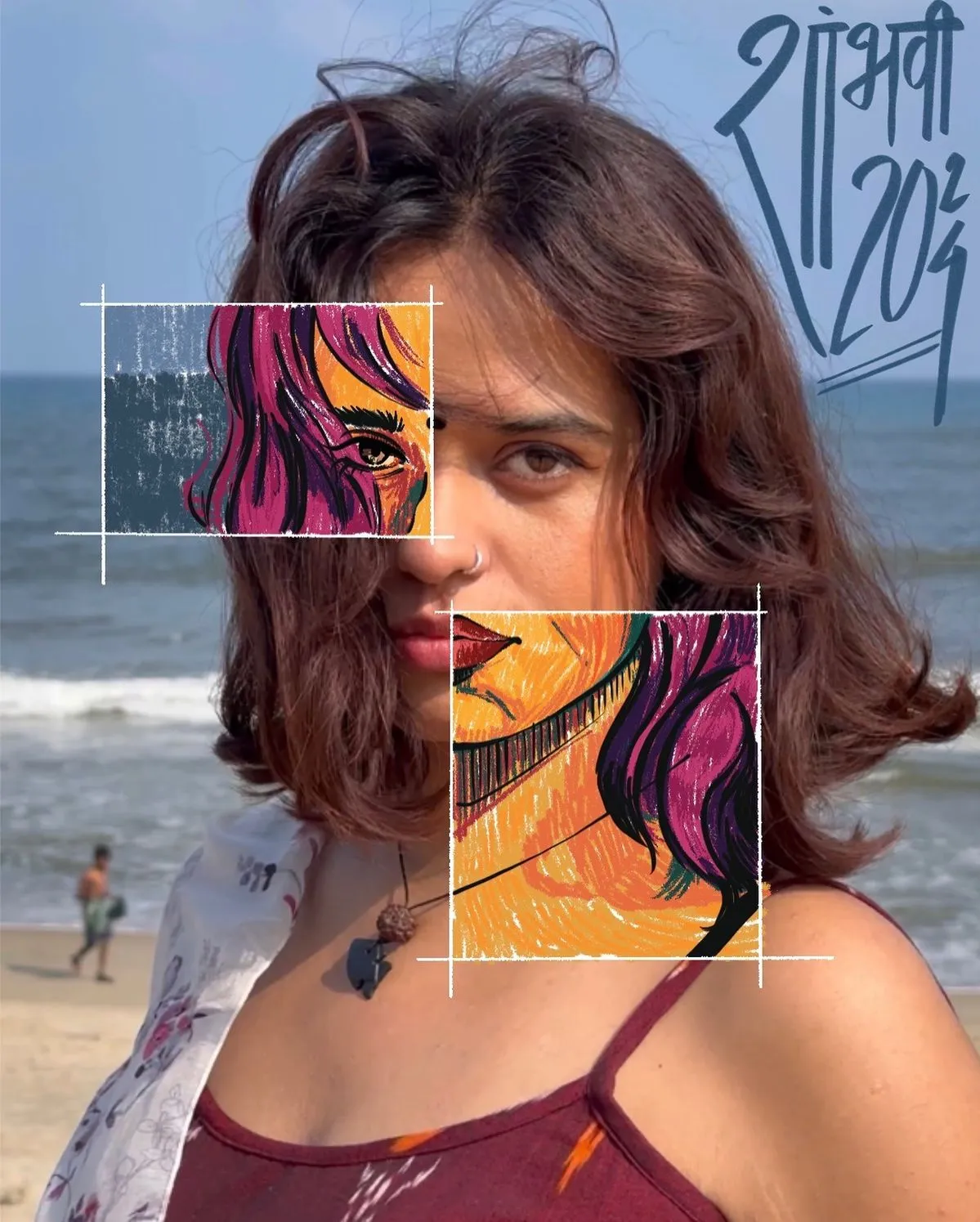
The Best AI Tools for Image Editing in 2026
A creator's guide to the frontier AI image editing models worth your time in 2026 — Nano Banana Pro, Seedream, FLUX Kontext, GPT Image, Imagen, and more. All in one place.
Inside Gendia: The AI Platform Built for Video Creators
A deep-dive into Gendia's core features — AI video generation, voice cloning, and the new creative director workflow.
How to Create Viral Shorts with AI in Under an Hour
A step-by-step workflow for turning a single idea into a polished short-form video using AI tools — no editing experience needed.