



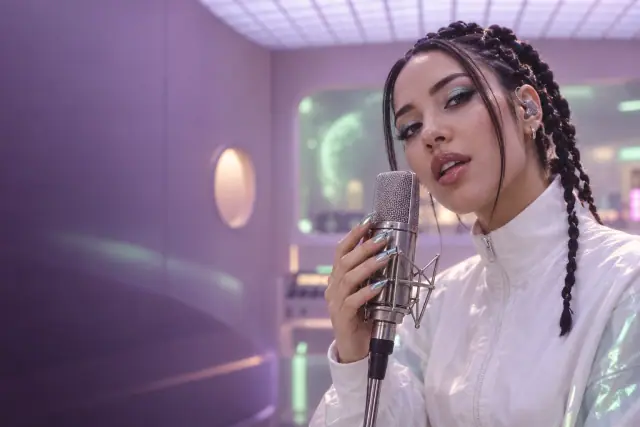



Gendia inside
your AI chat.
Connect once. Ask Claude, ChatGPT or Gemini to make images, video, voice, music and 3D — on your Gendia account.
How to connect.
Choose your app. Follow the steps. Start creating.
Connect Gendia to Claude
Sign in to Claude
Go to claude.ai and sign in to your account.
Add Gendia as a connector
Open Customize → Connectors. Add a custom connector named Gendia, paste this URL, then sign in.
Open connectorsStart creating
Start a new chat and turn on Gendia in + → Connectors. Describe the image or video you want to create.
 Start creating
Step 2 Add Gendia as a connector
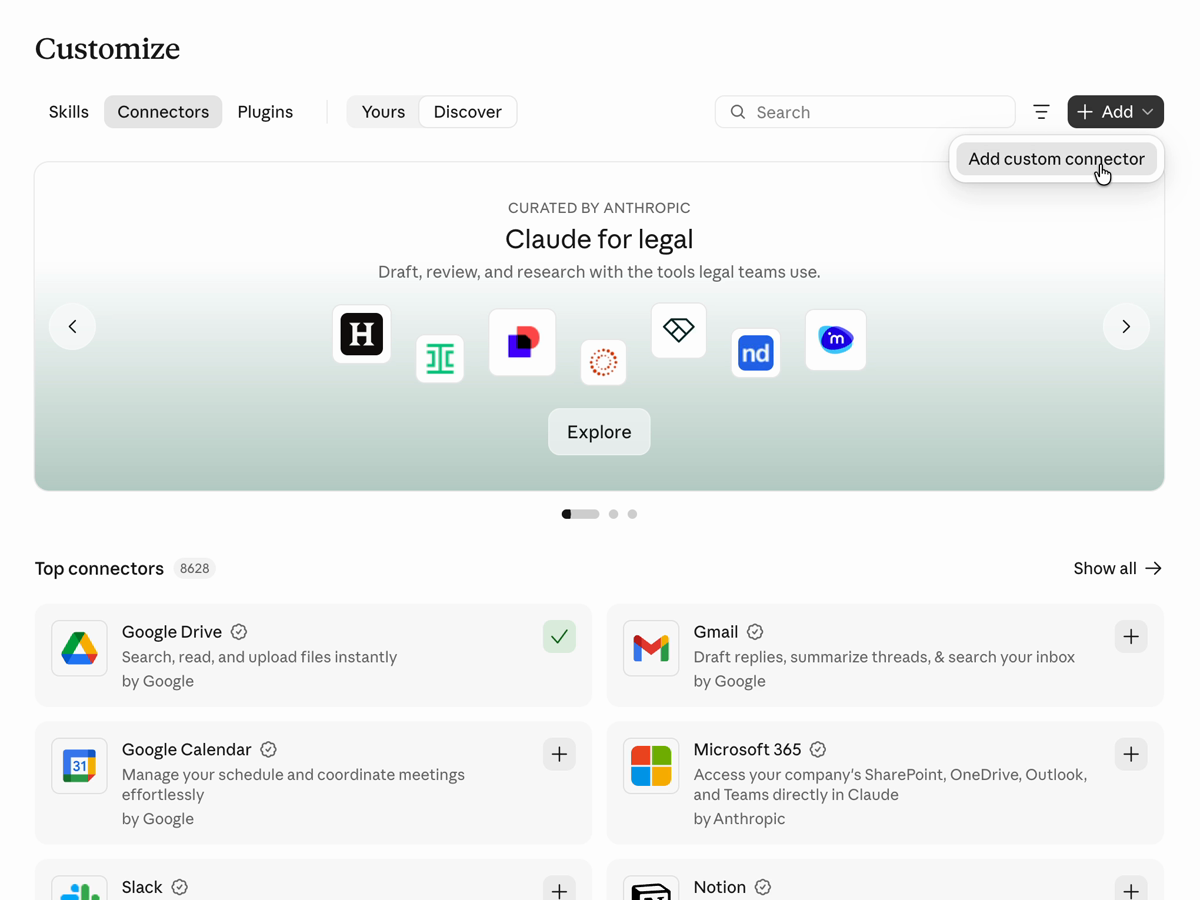
Enlarge screenshot
Your ideas.
Made in chat.
From a first thought to a finished file.
One conversation is all it takes.
50 models. One connection.
117 request forms, ready in your chat.
 Nano Banana

 GPT Image

 Seedream

 Kling

Seedance

 Veo
Ask. Approve.
Get the file.
Quoting is free. Credits are used after you approve.
- 1
You ask.
Two square product shots and a 5-second clip of this bottle. product-photo.webp
Describe it. Add your reference.
- 2
It picks the model.
2 images + 1 video50 credits maxExample quoteThe right models. The price upfront.
- 3
You approve.
ApprovedGenerating your files…Gendia keeps checking for you.One approval starts the work.
- 4
Your files arrive.
Saved to your library

Ready in chat. Saved in Gendia.
Illustrative workflow with existing Gendia outputs.
It spends nothing you didn’t approve.
- Same credits and plan as the website.
- See the maximum before anything is charged.
- A lost reply never charges twice.
- Files land in your library and folders.
- Unlinking never deletes your uploads.
You’re in controlExample quote
50 credits maxWaiting for your approval
Approve generation Cancel
Questions
Yes — it uses your existing account, plan and credits.
No. Same credit prices as the website; the connection is free.
No. You see the maximum credits and approve first.
Your Gendia library and folders — the same ones as the website.
Yes. Upload once in chat, then reuse the file for later jobs.
Not as a host. You can still generate with Grok models from any connected agent.
If it speaks MCP, the local setup works.
Delivery links expire after about an hour. Ask again — it refreshes the link without regenerating.
Generation is queued work. The chat keeps checking and reports back.
Only image-generation jobs still waiting in the queue.
Up to six separate requests per go, each priced and tracked on its own.
250 characters per request. Split longer scripts into separate lines.
Open MCP standard, OAuth with PKCE and idempotent submissions. An optional expansion provides 28 tools. Read the docs
Connect Gendia to your chat.
Don’t have an account? Start free